For presenters on a Windows laptop
The room waits while you Alt‑Tab to the demo.
Then it's back to the laptop to find your slide again. With Vega Remote the switch happens on your phone: one tap puts the demo on the big screen, and Back to slide 4 brings back the slide you left.
Windows 10 and 11 laptops · any phone with a browser
Early testers pay half the regular monthly price for as long as they stay subscribed. No payment now, and you'll see the price before anything is charged.
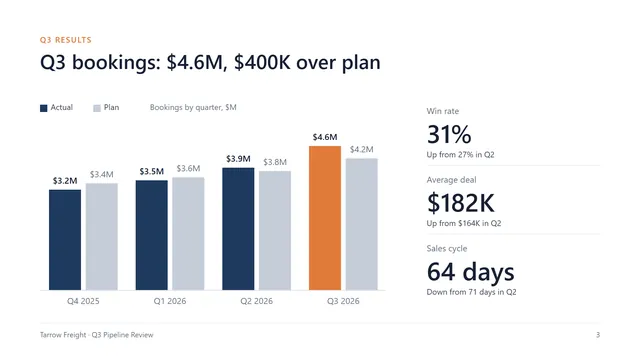
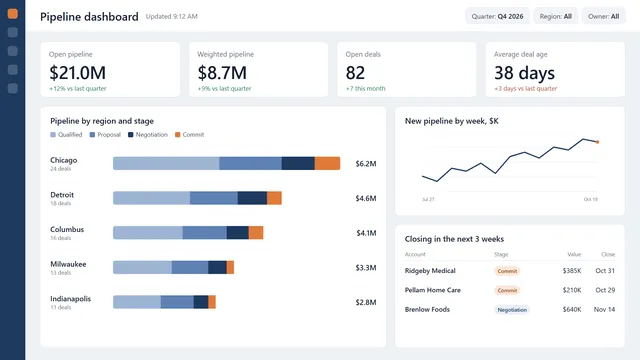
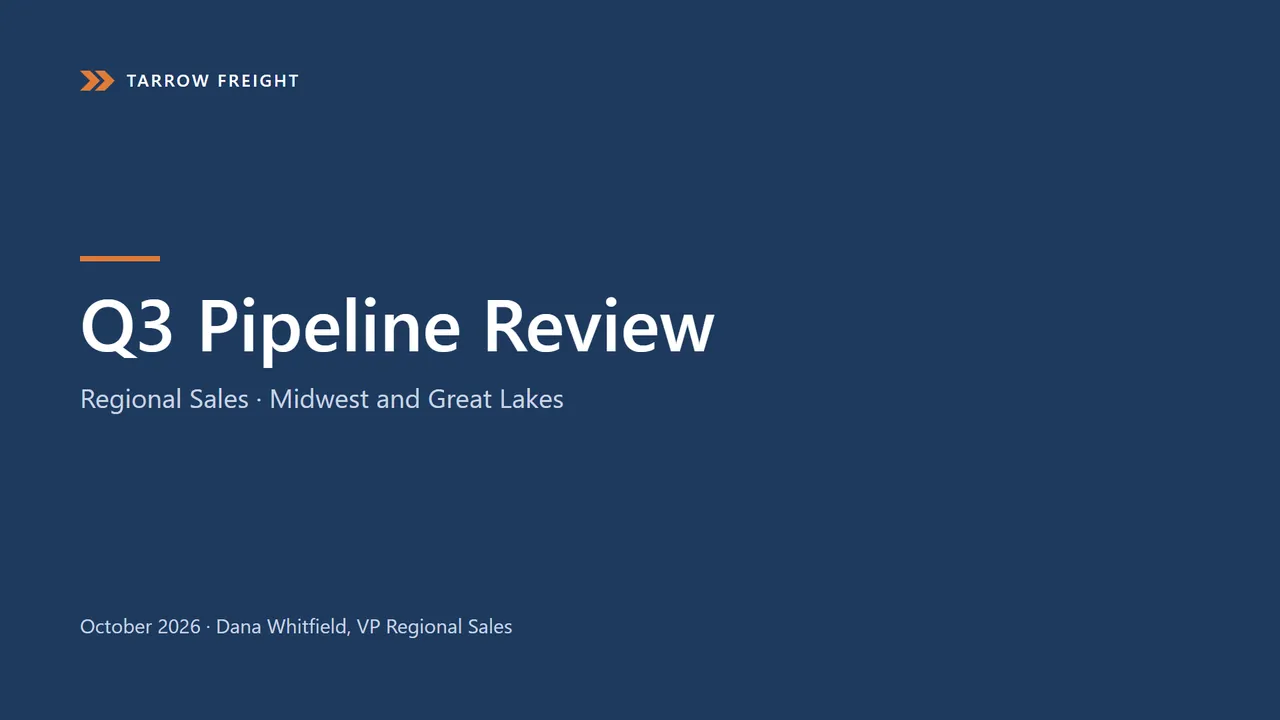
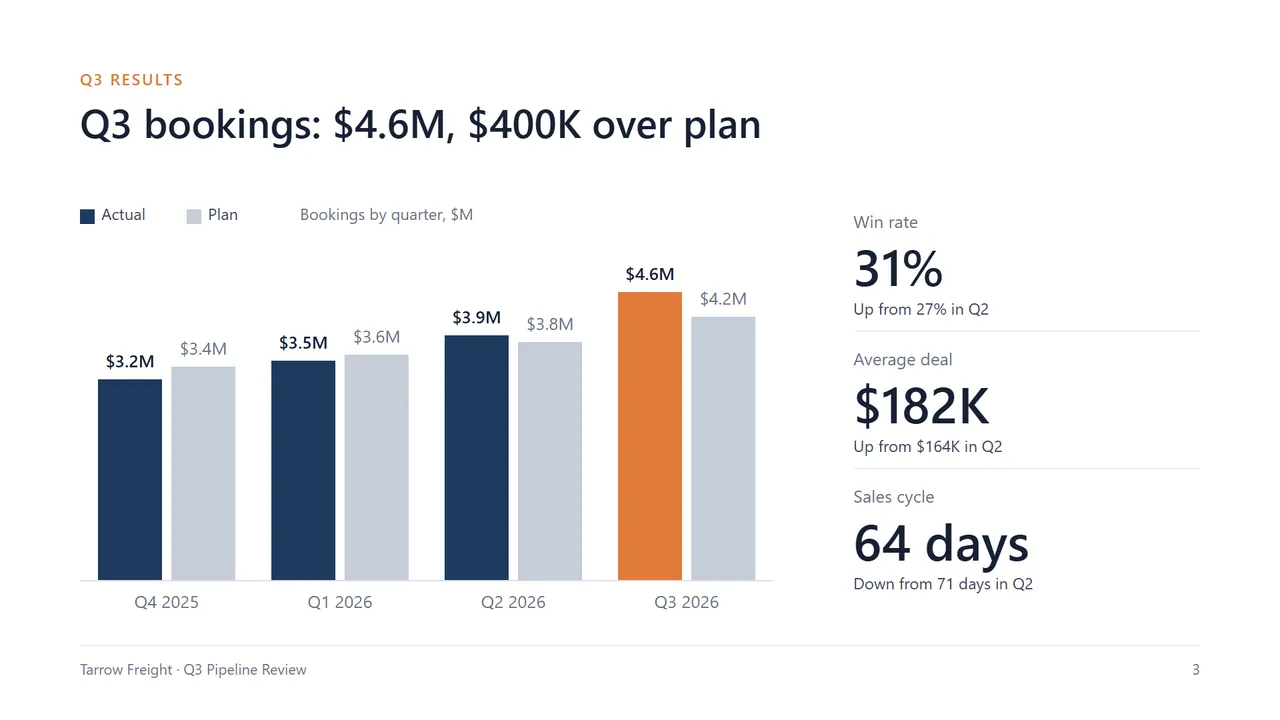
An animation of Vega Remote: a phone running the controller next to the projector it drives. It points at a chart, goes to the next slide, puts a pipeline dashboard on the projector, comes back to slide 4, ends the talk, starts the deck again and jumps to slide 3. The buttons under it step through the same moments.
Your phone
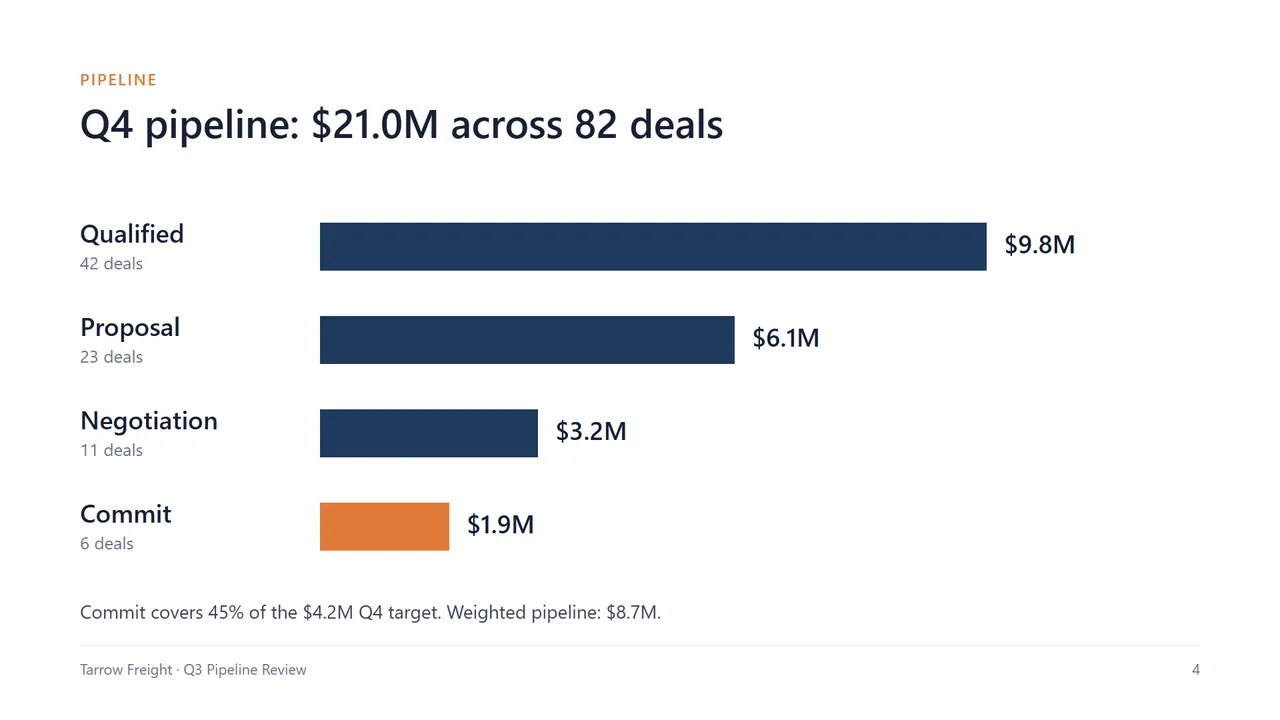
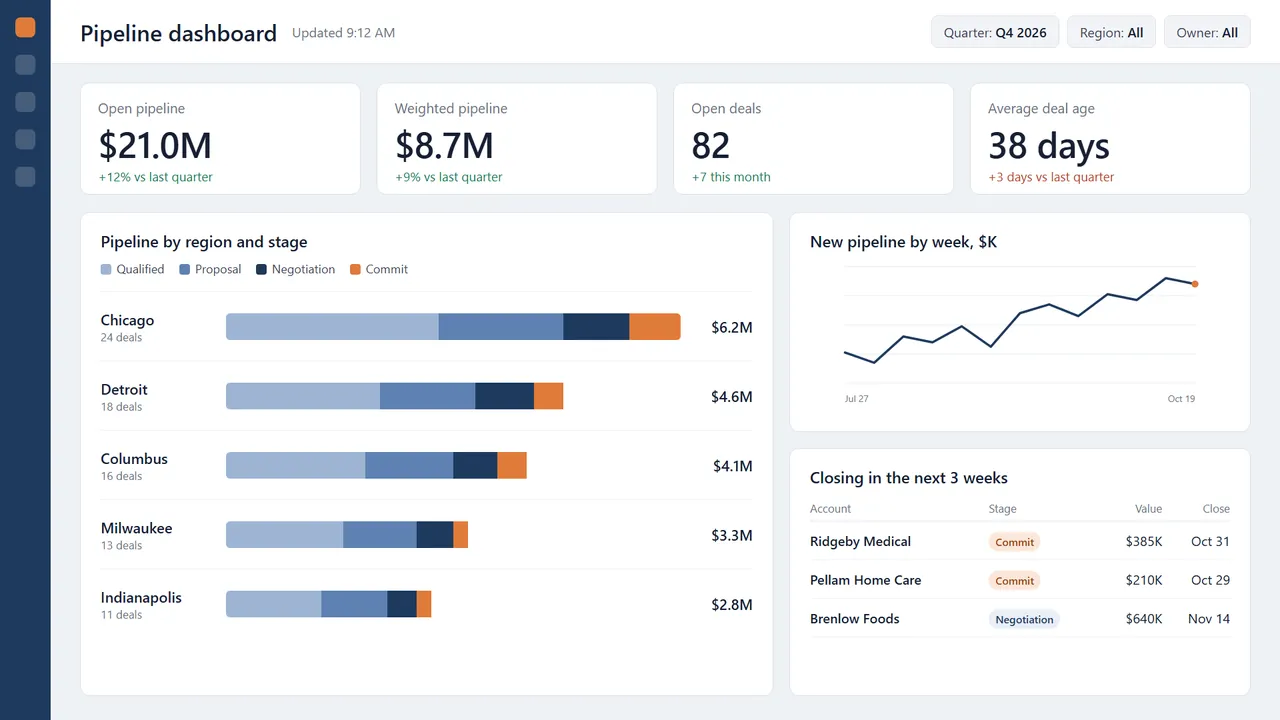
The projector. Tarrow Freight is a made-up company.
How it works in 3 steps
- 1Install it on your computer.
No admin rights needed. The installer is coming soon.
- 2Scan the code with your phone.
Your own computer remembers you after the first time.
- 3Tap your presentation.
It's on the TV, full screen, with your notes on the computer.
One whole talk, from your phone
You stay with the room. Your phone shows what the room sees, what's next and your notes, with the buttons under your thumb.
- 1Where you are
“On Projector · slide 4 of 8” and your timer, always on screen. If the computer drops, you see it here first.
- 2The room's view
Exactly what the room sees, big enough to read, including black or white when you hide the screen. Swipe it to change slides.
- 3Tools
Hold the picture and point. The chip switches between Laser, Spotlight, Draw and Magnify in two taps.
- 4Up next and notes
The next slide as a picture, and your speaker notes from the deck, so you never walk back to the computer to check.
- 5Back, Hide, Next
Next is the big one, right under your thumb. Hide blacks out the screen; hold it to pick white instead.
- 6More
Go to slide shows every slide as a picture, so you never click through to find your place. Your agenda, Show a window, Screen, timer and My defaults are here too. End is last, and asks first.
Turn your phone sideways for a bigger slide. Left-handed? The buttons move to the other side.
When you need the demo
Put the demo, a dashboard or a website on the TV from your phone. Back to slide 4 returns to the same slide, in about half a second.
- See it before the room doesYour open windows and tabs show up as pictures. Pick one, check it, then Show.
- The clicker keeps workingNext and Back go to the slideshow itself, whatever is open on the computer.
When you need to point
Hold the slide on your phone and point. It shows on a TV, where a laser pointer doesn't.
- Four toolsLaser, Spotlight, Draw and Magnify. The chip on the picture switches tools in two taps.
- Size and colourEach tool keeps its own size and colour.
When the TV cuts off your slides
Many TVs crop the edges, so a title or a page number disappears. Vega spots it, fits your slides inside the edges, and says so once, with Undo.
- AutomaticOn by itself for a screen that crops. Turn it off in My defaults if you'd rather fill the whole screen.
When the room computer isn't yours
Scan the code on its screen and your phone runs the talk. Your presentation comes from your account, and nothing of yours stays behind.
- Nothing moves until you tapSigning in and connecting copy nothing. Tap a presentation and that computer fetches just that one file.
- Scrambled while it's thereIt's stored encrypted, under a made-up name, and unscrambled only while it's on the TV.
- Deleted when you endEverything of yours goes when you end, disconnect, or your phone is away for 2 minutes.
- Up to 50 MB for nowA typical presentation is there in a few seconds; a 50 MB one in about 10 on good Wi‑Fi.
When you want more
Your first talk needs only the steps above. These are there when you want them, set up once on your computer.
- ActionsOne-tap buttons that open an app, a site or a file on the computer.
- LayoutsYour windows placed across your screens in one tap.
- AgendasYour talk's running order: the presentation, then the demo, then the video, one tap each.
- My defaultsHow every talk starts: notes, hide colour, tools, timer.
For IT
- Installs per userNo admin rights. The installer is coming soon.
- Nothing left on the room computerFiles are encrypted with a key kept only in memory and deleted when the talk ends.
- Local service stays localIt listens only on the computer itself (localhost). The phone reaches it through Vega's encrypted relay.
- Guests can only presentOn a shared computer a guest can't open the owner's files or windows.
Works with
- Microsoft PowerPoint
- Google Slides
- Microsoft Excel
- Microsoft Word
- Microsoft Teams
- Microsoft Power BI
- Salesforce
- YouTube
- Canva
- Figma
- Miro
- Mentimeter
- Kahoot!
- Microsoft Outlook
- Zoom
- Video files
- Any website
Questions
What do I need?
A Windows 10 or 11 computer with an internet connection, and any phone with a browser: iPhone or Android, with nothing to install from an app store. Mac is planned, with no date yet.
What happens to my files on someone else's computer?
Nothing moves until you tap a presentation; then that computer fetches just that one file from your account. It's stored scrambled under a made-up name, and deleted when you end, disconnect, or your phone is away for 2 minutes. Files can be up to 50 MB for now. While it's on the TV, anyone at that computer can see it, like any presentation.
Do my phone and computer need the same Wi‑Fi?
No. They connect through Vega's relay, so your phone can stay on mobile data while the computer uses the venue's Wi‑Fi. The computer does need internet.
Do I still need a clicker?
No. Your phone covers Next, Back and a black or white screen, plus Laser, Spotlight, Draw and Magnify, which show up on a TV too. It also opens the presentation, switches to your demo and comes back to the same slide.
When can I try it?
It runs on my own computer today. Testers from this list get it in small groups once the installer is ready. No date promised.
How much is it?
The regular price isn't set yet. Early testers pay half of it for as long as they stay subscribed. No payment now, and you'll see the price before anything is charged.
Join the early‑access list
Four quick taps. Your answers decide which talks I test it on first.
Early testers pay half the regular monthly price for as long as they stay subscribed. No payment now, and you'll see the price before anything is charged.